How to bulk delete contacts
You can bulk delete contacts directly from the My Contacts section of your account.
Start by going to Contacts and then My Contacts. From here, you can choose to delete all contacts in your account, only the contacts in a specific list, or just the contacts that match a search.
If you want to delete contacts from a specific list, select that list at the top of the page. If you only want to delete certain contacts, use the search box to filter the contacts first. If you don’t select a list or run a search, the actions will apply to all contacts in your account.
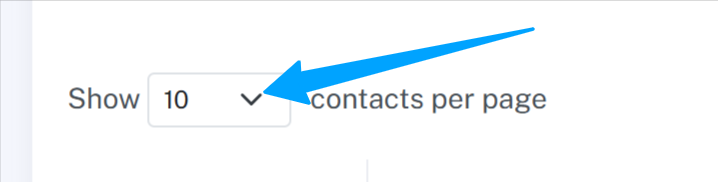
Next, change the setting at the top of the page from “Show 10 contacts per page” to “Show all contacts per page”. Wait for the page to finish loading.
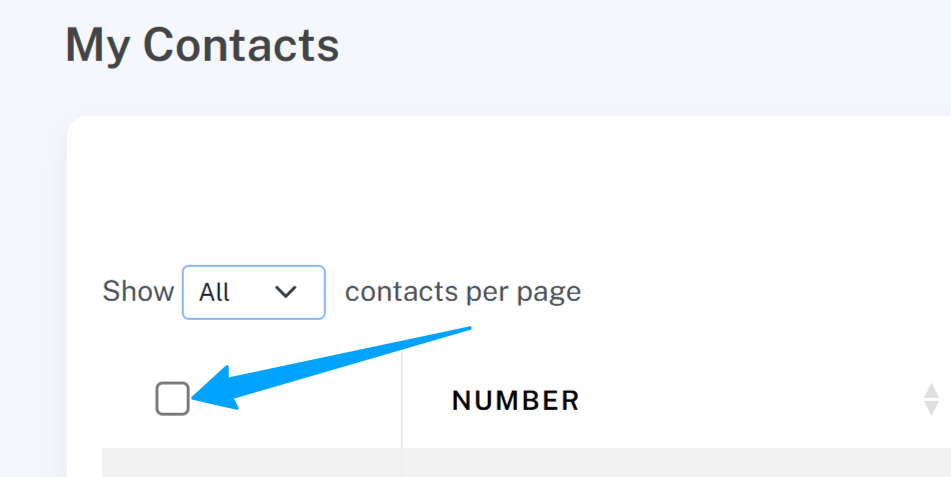
Once all contacts are visible, click the checkbox at the top of the list to select all contacts.
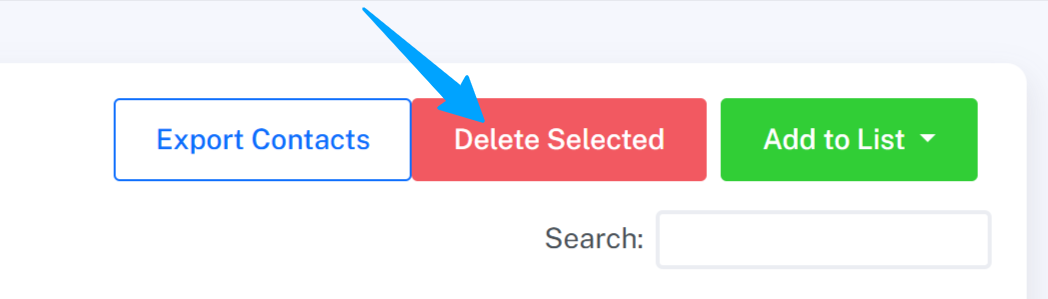
Finally, click the red “Delete selected” button to remove them.