How do I send a link in a message?
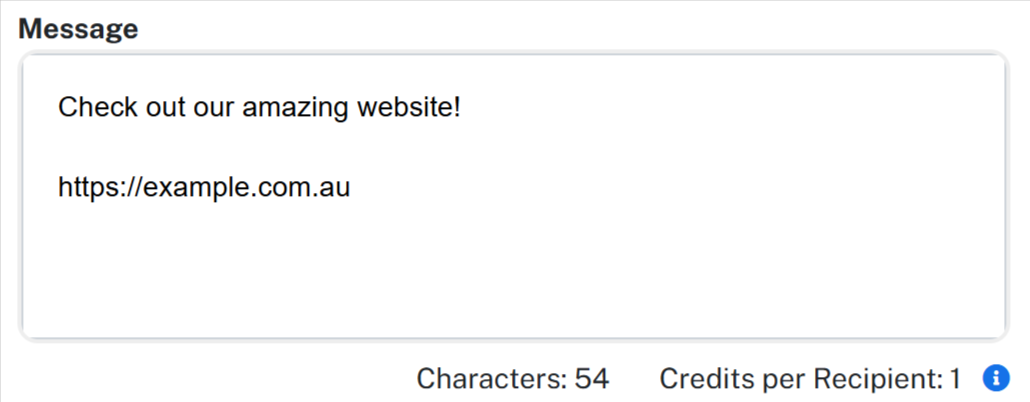
To include a link in an SMS, simply type the website address directly into your message.
When the message is received, the phone automatically recognises the web address and turns it into a tappable link. The recipient can then tap the link to open it in their browser.