How do I send a link in a message?
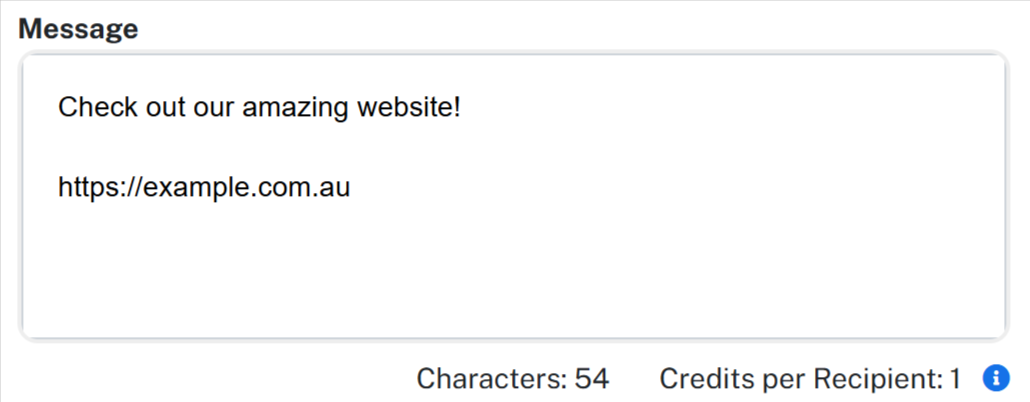
To include a link in an SMS, simply type the website address directly into your message.
When the message is received, the phone automatically recognises the web address and turns it into a tappable link. The recipient can then tap the link to open it in their browser.
Shorten and track your links
When your message contains a link, a Shorten and track links option appears under the message box. Turn it on and your link is replaced with a short addr.au link that is unique to each recipient, so your reports can show you exactly who tapped it. The short link is always 22 characters, which often saves space in longer messages. Link tracking becomes available once your account has made its first credit purchase.
See Link tracking with short links for what the links look like, how long they stay active, and where to find your click reports.
If a link arrives as plain text on the recipient's phone, see Why isn't the link in my SMS tappable?.