How to cancel scheduled messages
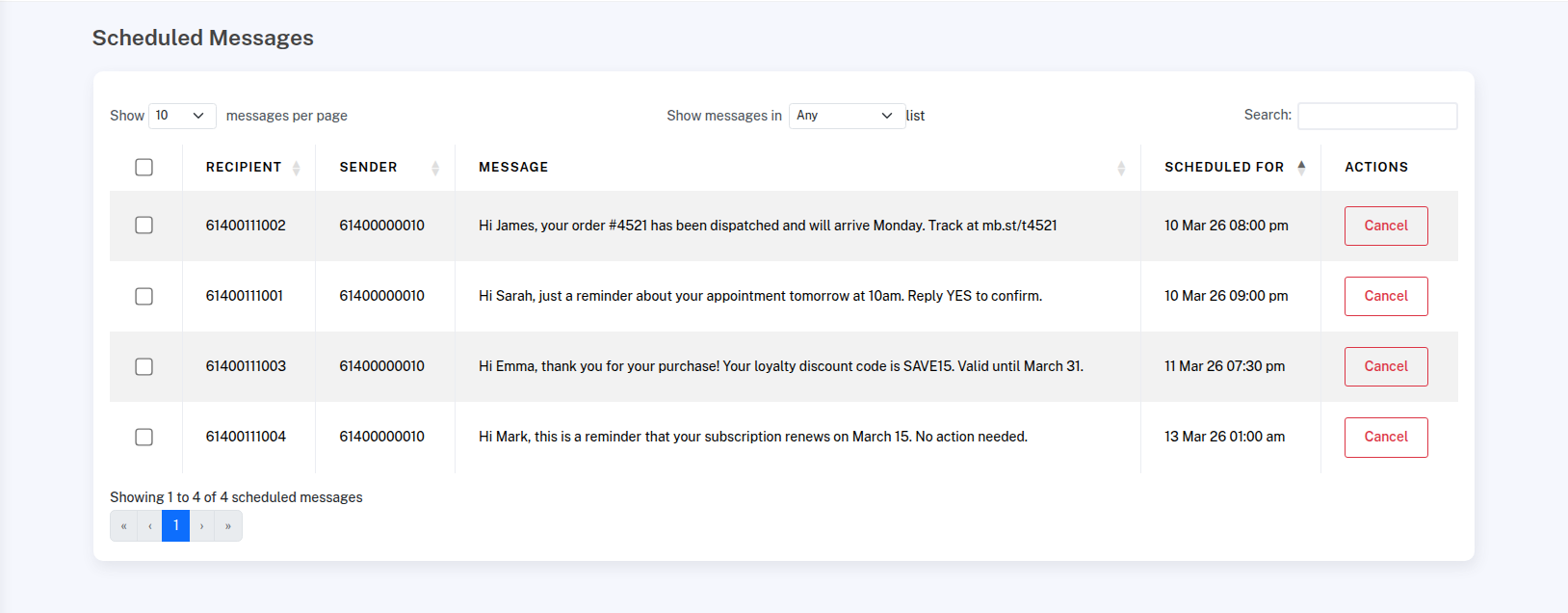
The Scheduled SMS page shows all messages that are waiting to be sent. For each message you can see the recipient, the sender, a preview of the message content, and the date and time it is scheduled to go out.
Filtering by list
If you sent a scheduled message to a contact list, use the Show messages in dropdown to filter the table by that list. This makes it easy to review or manage a specific scheduled campaign without it being mixed in with other scheduled messages.
Cancelling a single message
Scheduled messages cannot be edited once they have been created. If you need to make a change, you’ll need to cancel the scheduled message and create it again with the updated content. When a scheduled message is cancelled, the SMS credits are refunded to your account immediately.
You can cancel scheduled messages at any time right up until the moment they are sent.
To cancel a scheduled message, go to Scheduled SMS from the menu. You’ll see a list of all messages that are waiting to be sent. To cancel a single message, click the red Cancel button next to that message.
You can also cancel scheduled messages in bulk. If the messages were sent to a contact list, select that list at the top of the page. If you only want to cancel certain messages, use the search option to filter the list first. If you don’t select a list or run a search, the action will apply to all scheduled messages.
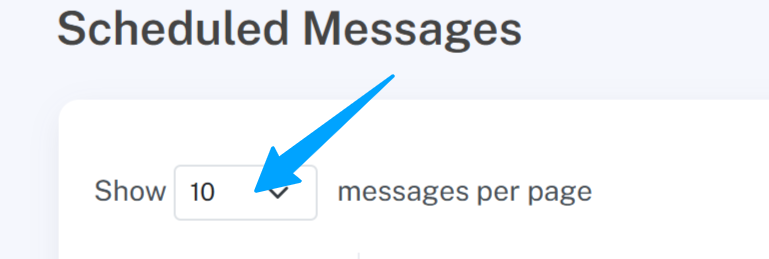
Next, change “Show 10 contacts per page” to “Show all contacts per page” and wait for the page to load.
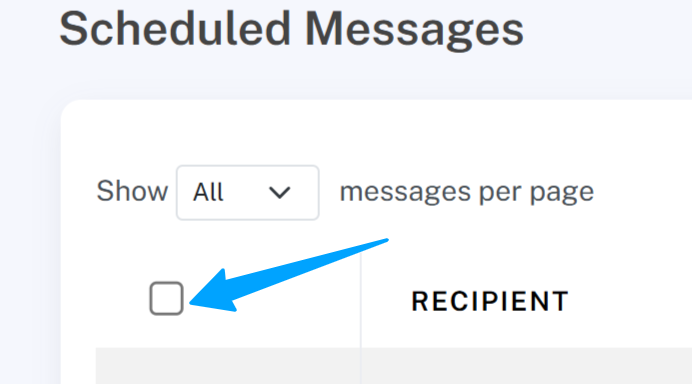
Click the checkbox at the top of the list to select all visible messages, then click the red “Cancel selected” button to cancel them in one step.
Cancelling an entire bulk send
When you send or schedule a message to multiple recipients, the messages are grouped into a bulk send. You can cancel all messages in a bulk send at once:
- Go to Scheduled SMS
- In the Scheduled Bulk Sends section, find the send you want to cancel
- Click Cancel All
- Confirm the cancellation
All remaining scheduled messages in that send will be cancelled and credits refunded immediately. You can also click on a bulk send to view individual messages and cancel them one at a time.